 PuttStation.Get PuttStation
PURPOSEFUL PRACTICE. BUILT ON IPHONE.
Your practice.
With a plan.
Turn a patch of green into your next great practice session. Your iPhone shows where the tees and markers go. You take it from there.
Coming to the App Store · iPhone · iOS 17+
FROM SCREEN TO GREEN
The setup is on
your phone.
The practice isn’t.
You already have the equipment. PuttStation helps give it a purpose.
See how it works ↗- 01
Choose your station.
Work on short putts, distance control, green-speed feel, or start line. Choose your layout before the camera opens.
- 02
Follow the placement guides.
Set your target/cup, choose the line where applicable, and put a tee or ball marker on each guide in the camera view.
- 03
Put the phone away.
Your station is ready. Work through the putts, use your normal routine, and give each ball your full attention.
EIGHT STATIONS. YOUR KIND OF PRACTICE.
Find the putt
you want to work on.
Short ones that should drop. Long ones that need to get close. Choose a station, then make it yours.
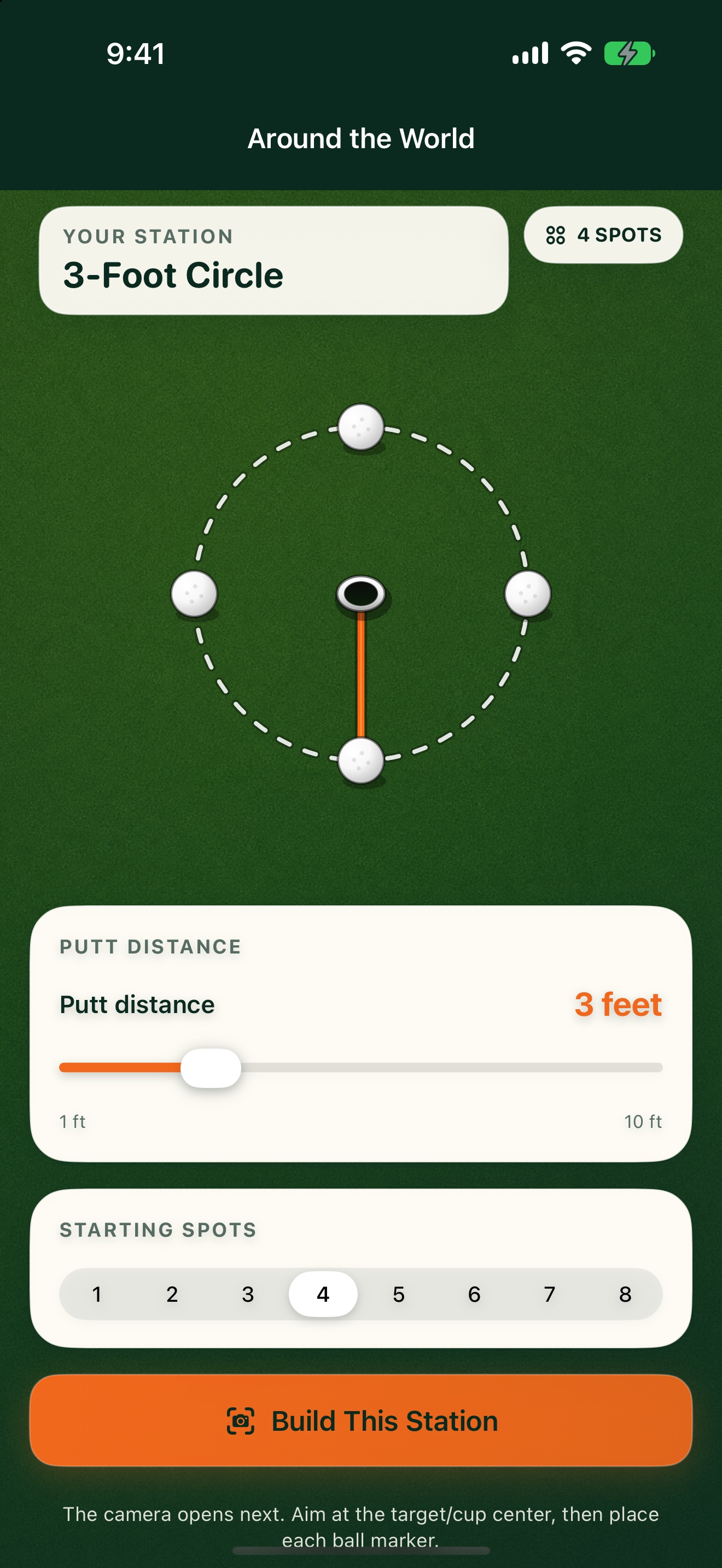
Try the controls. The layout changes with you.
Around the World
Choose one distance and place up to eight spots evenly around the target.
MEET SPEED & START LINE
Different green.
Same reference.
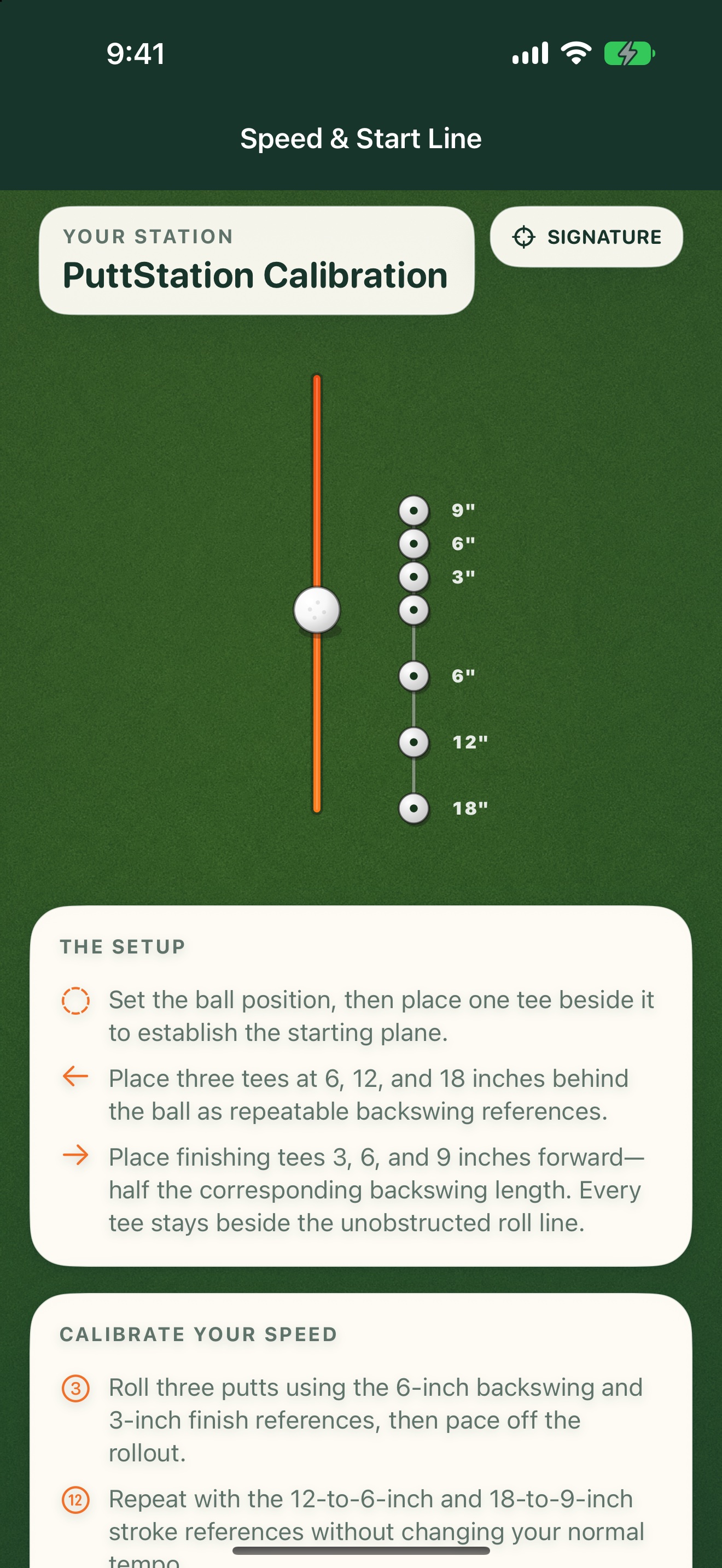
The stroke that rolled ten paces at home might roll farther today. Build the same stroke references, roll a few balls, and learn the difference.
Tees mark your backswing and follow-through. You feel the stroke and pace the rollout—in your own paces.
 THE ACTUAL APP · NO CUP REQUIRED
BUILT FROM TIME ON THE GREEN
PuttStation started with a simple problem: setting up useful practice stations shouldn’t take more effort than the practice itself.
Davin HigashiGolfer & creator of PuttStation
What do I need?
An ARKit-compatible iPhone running iOS 17 or later, your putter, and ordinary tees or ball markers. A LiDAR sensor is not required.
Do I need a cup?
No. Choose a target/cup on a practice green, a putting mat, or another suitable surface. Speed & Start Line starts from the ball position, so it works without a cup too.
Does PuttStation read the green?
You read the break and choose the line. PuttStation lays out your station. It does not scan slope, predict break, analyze strokes, or track results. For Clock, you identify the low side yourself.
How accurate is the setup?
PuttStation is a practice tool, not survey equipment. It uses Apple’s ARKit to lay out the distances you choose. Lighting, surface detail, and phone movement affect tracking, especially on longer stations. Move slowly, get close to each placement guide, and retarget if the layout drifts.
Does my phone have to stay out?
Only during setup. Once the physical tees or markers are placed, put your phone away and practice with your normal routine.
Is my camera footage stored or uploaded?
No. Camera and AR processing stay on your iPhone. The app has no account, ads, or analytics.
BRING A PLAN TO THE PRACTICE GREEN.
Make your next
practice count.
Your iPhone. A few tees and markers.
A better way to set up the work.