Choose a station.
Pick what you want to work on, then set the distances, positions, spacing, or difficulty. The app shows your layout before you open the camera.
 PuttStation.Get PuttStation
 A LITTLE SETUP GOES A LONG WAY
PuttStation gives your practice a layout. You bring the feel, the read, and the stroke.
Choose your station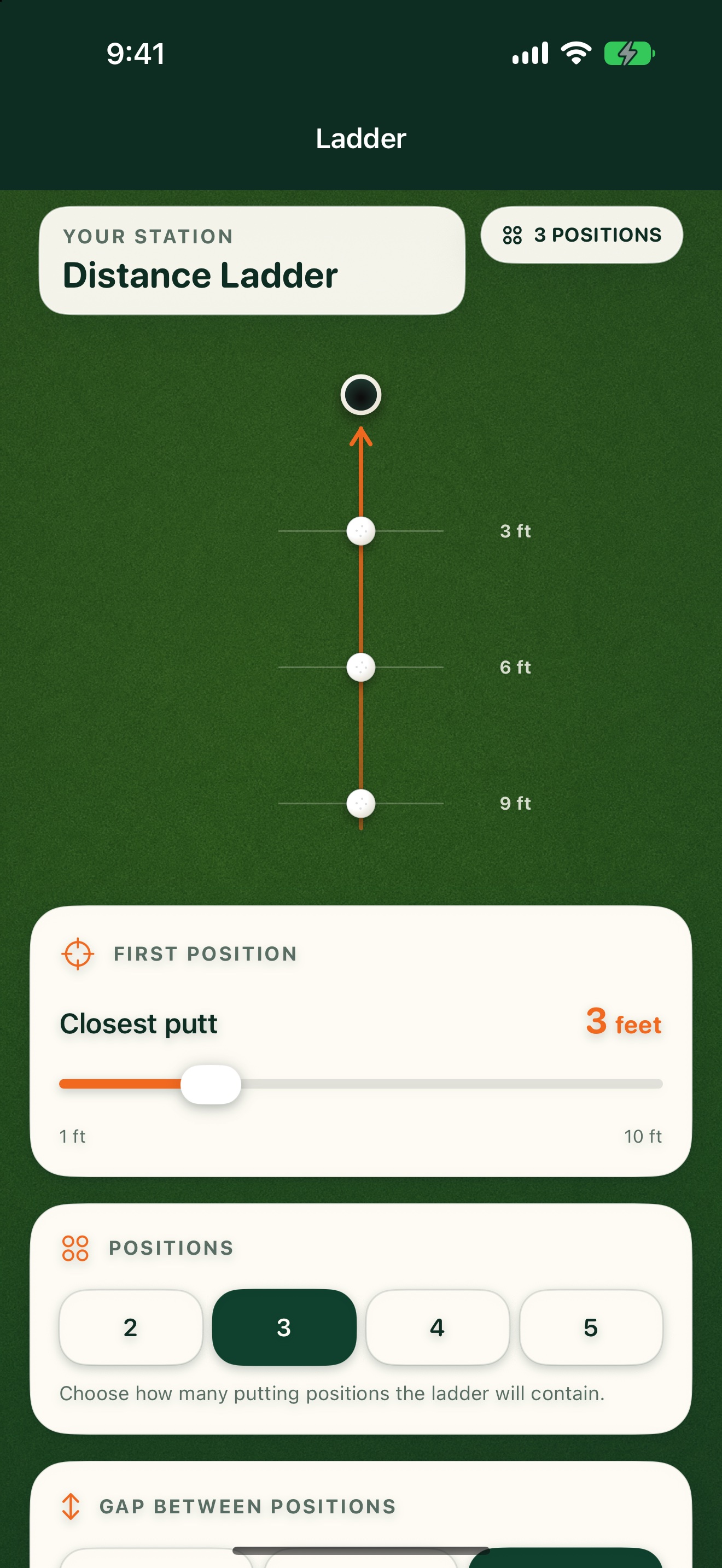
Pick what you want to work on, then set the distances, positions, spacing, or difficulty. The app shows your layout before you open the camera.
Move your iPhone slowly over a well-lit surface. Aim at the center of your target/cup and set it with a tap—there is no automatic cup detection. Speed & Start Line uses the ball position; Clock also asks you to identify the low side.
For directional stations, aim the line toward the putt you want. Walk to each camera guide and put a tee or marker on its ground point. The optional station map helps you find your way.
Once the physical station is down, it stays put. Work through the putts and repeat the setup next time.
ALREADY IN YOUR BAG
BRING A PLAN TO THE PRACTICE GREEN.
Your iPhone. A few tees and markers.
A better way to set up the work.