 PuttStation.Get PuttStation
 THE STATION COLLECTION · 08 LAYOUTS
Every session
starts with a purpose.
Pick what needs work. We’ll help you put it on the green.
 01
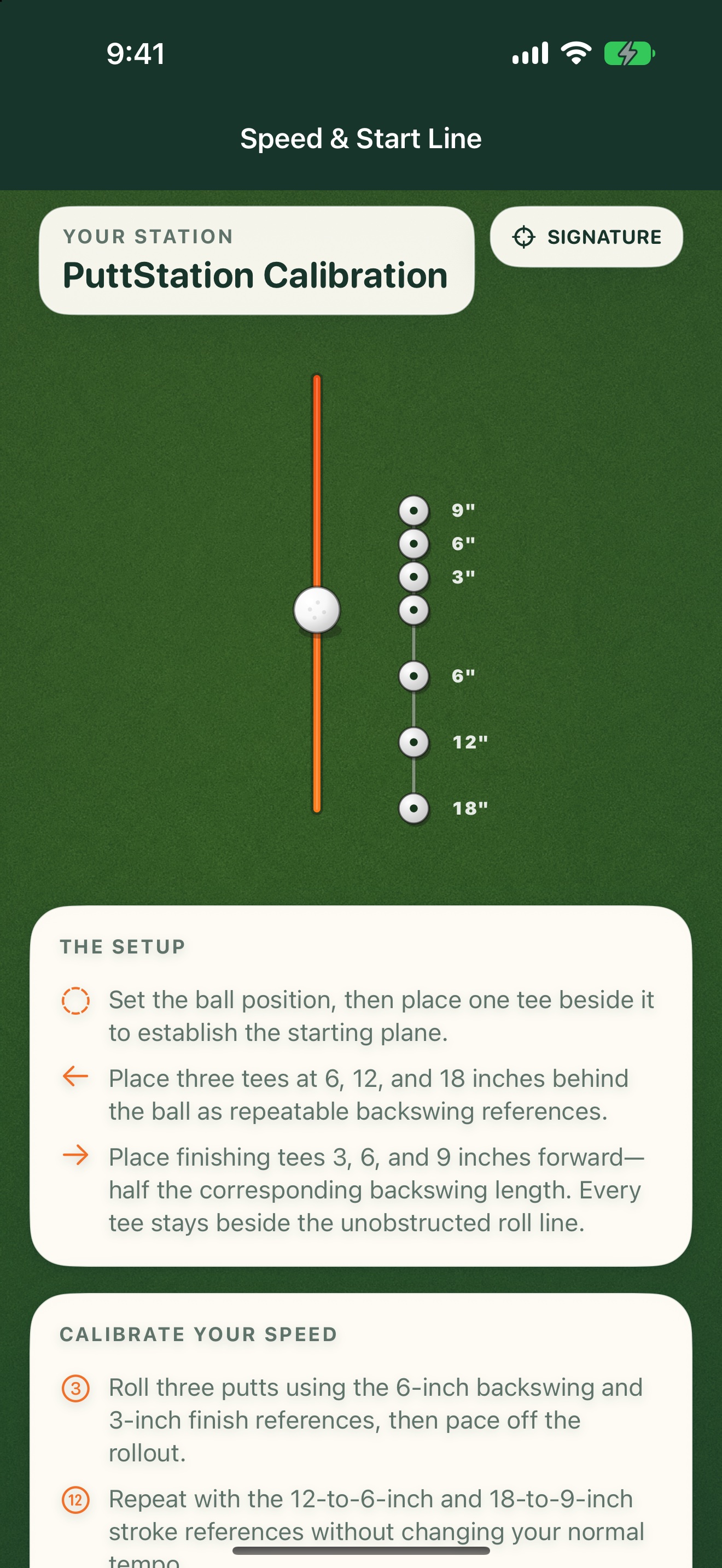
01Signature station
Speed & Start Line
Use fixed backswing and follow-through references to calibrate pace and start line on any green.
 02
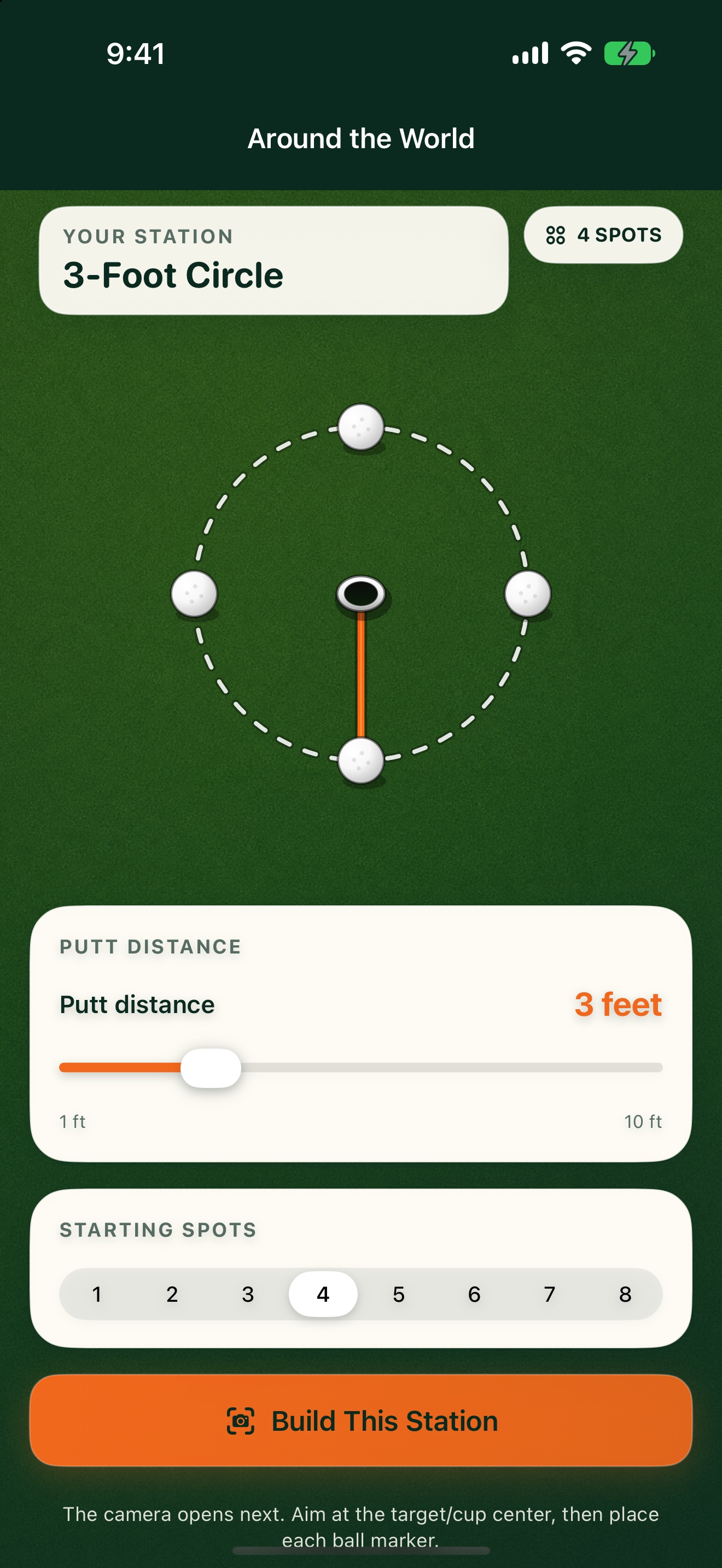
02Short putts
Around the World
Choose one distance and place up to eight spots evenly around the target.
 03
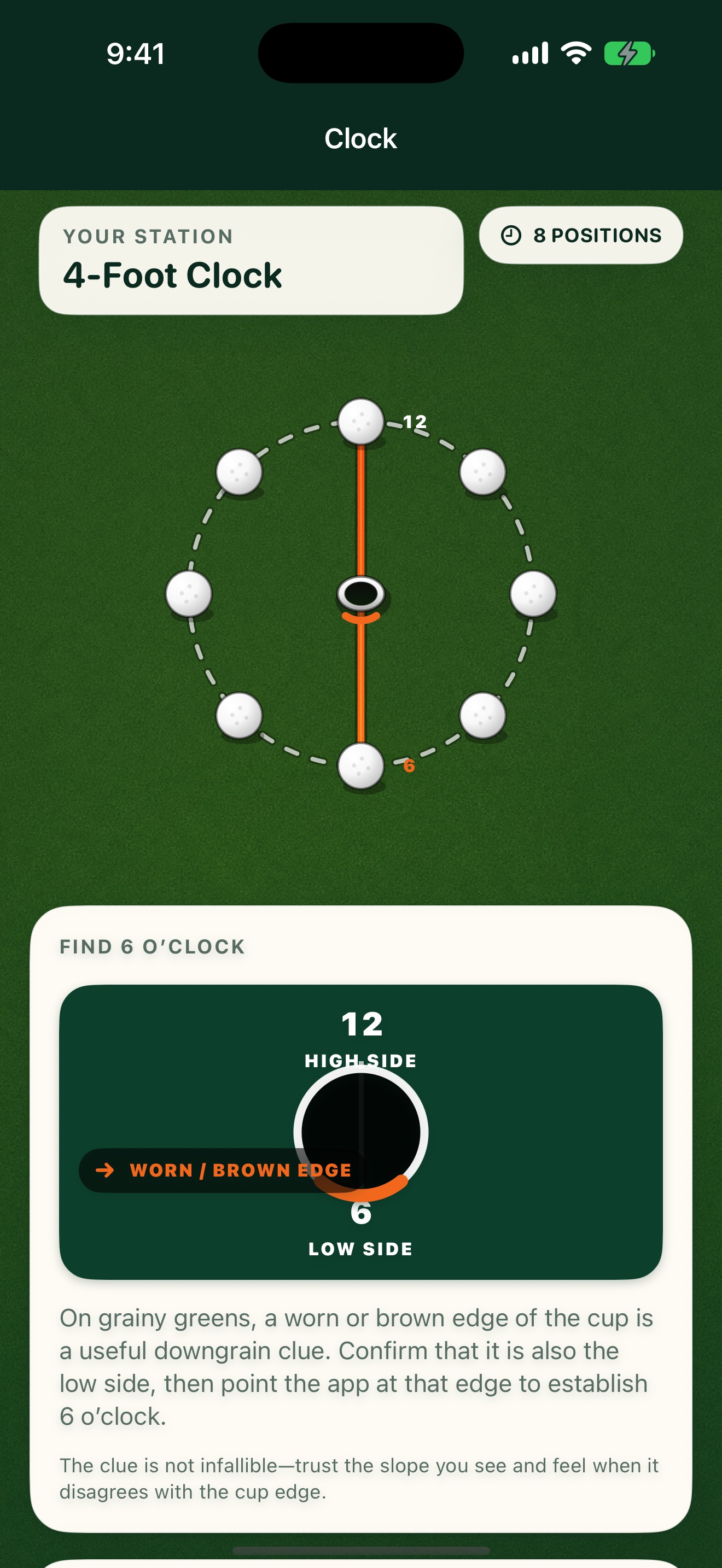
03Green reading
Clock
Use the low side of the cup to orient eight four-foot putting positions around the hole.
 04
04Distance and break
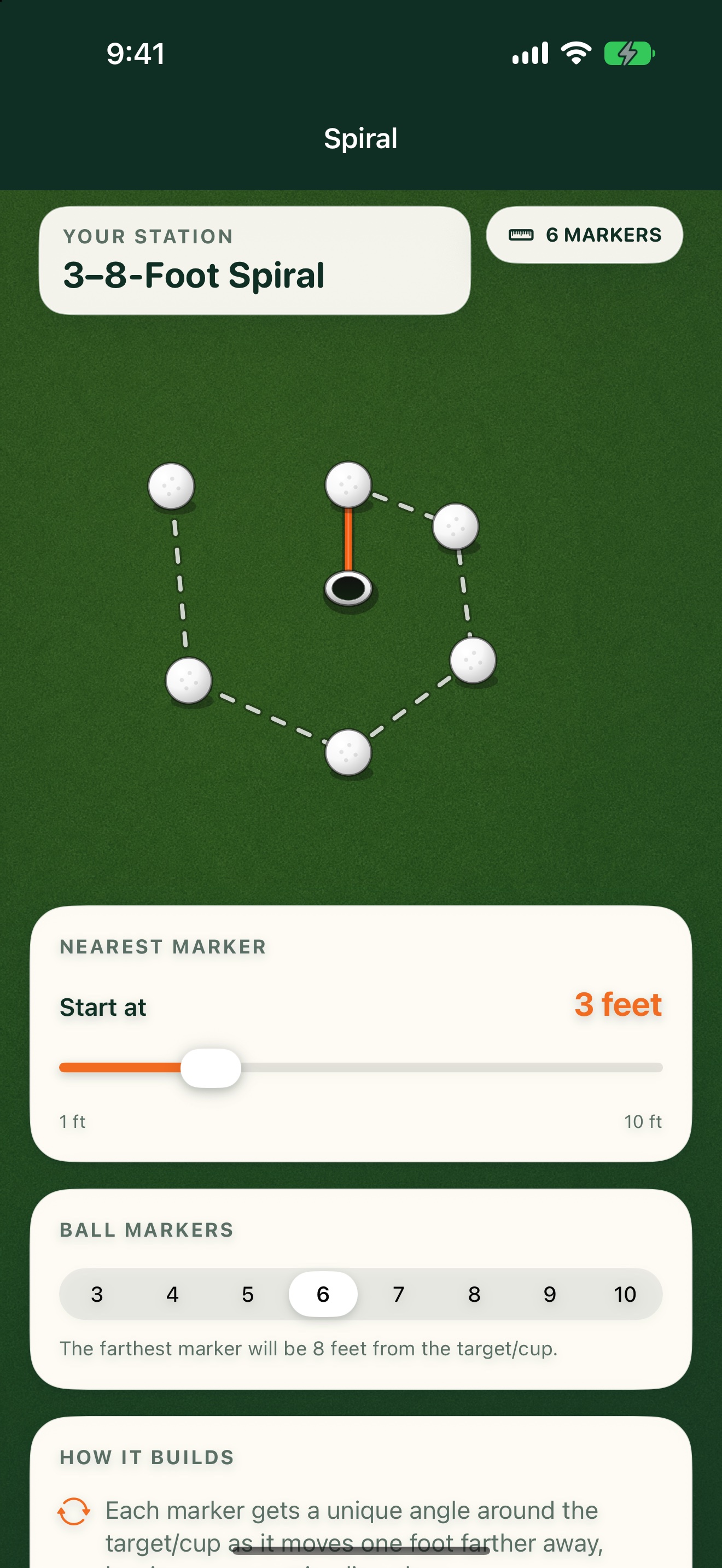
Spiral
Each position is one foot farther away and set at a new angle.
 05
05Distance control
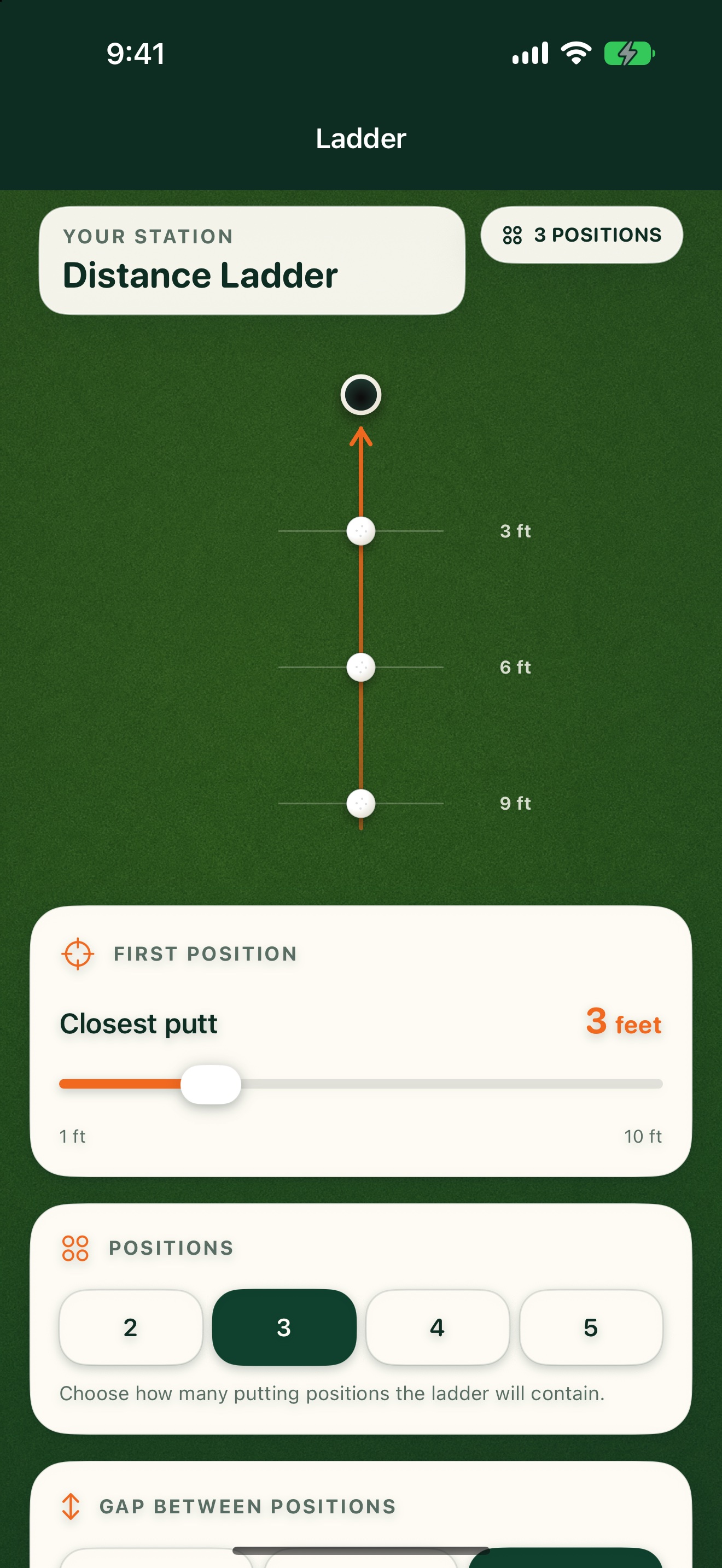
Ladder
Set two to five putting positions on one line with the spacing you choose.
 06
06Long putts
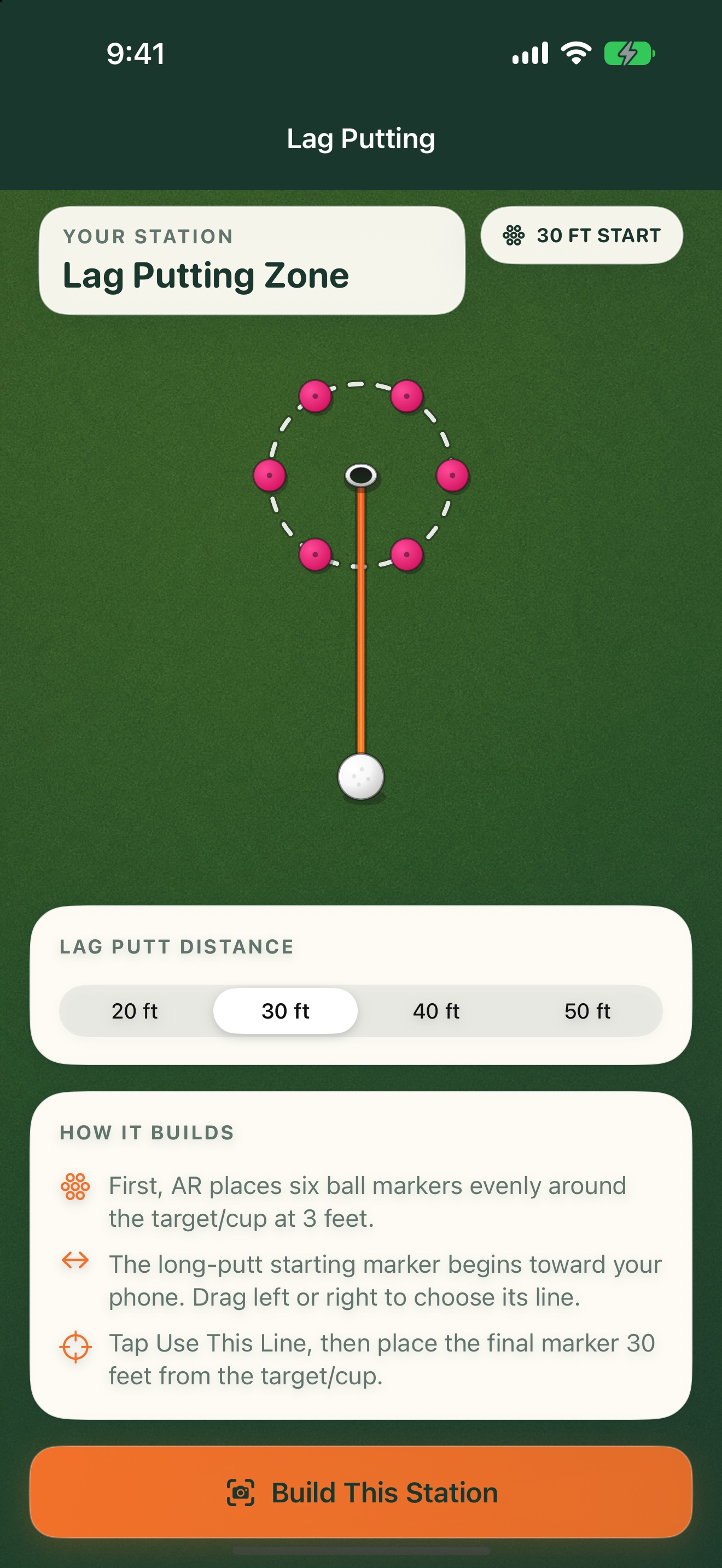
Lag Putting
Choose a long-putt distance and build a three-foot-radius ring around the target.
 07
07Finishing speed
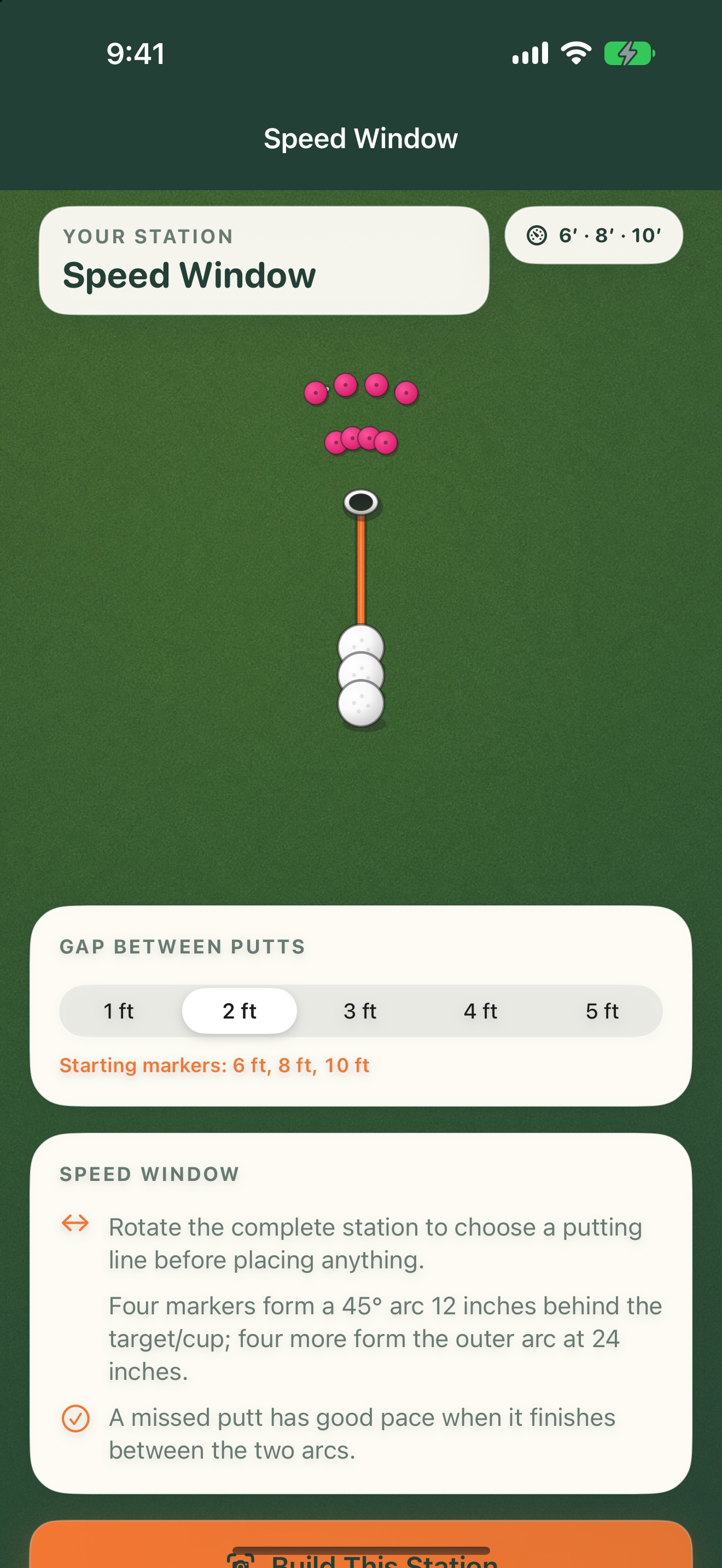
Speed Window
Putt from three distances and try to finish misses 12–24 inches past the target.
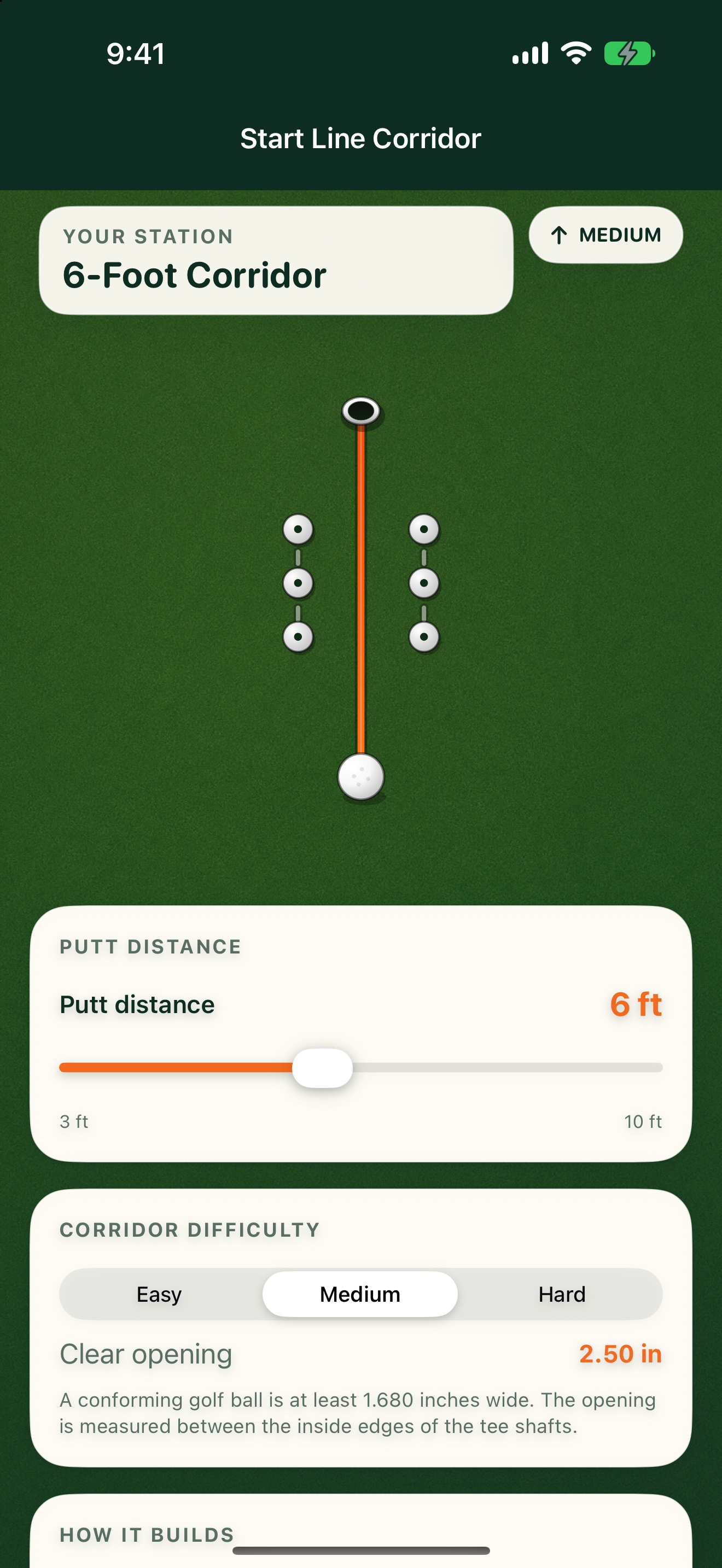 08
08Start line
Start Line Corridor
Six tees create a 12-inch-long corridor beginning one foot in front of the ball.
Station previews from the PuttStation app.
BRING A PLAN TO THE PRACTICE GREEN.
Make your next
practice count.
Your iPhone. A few tees and markers.
A better way to set up the work.