 PuttStation.Get PuttStation
 Short putts · Around the World
Make the short ones feel familiar.
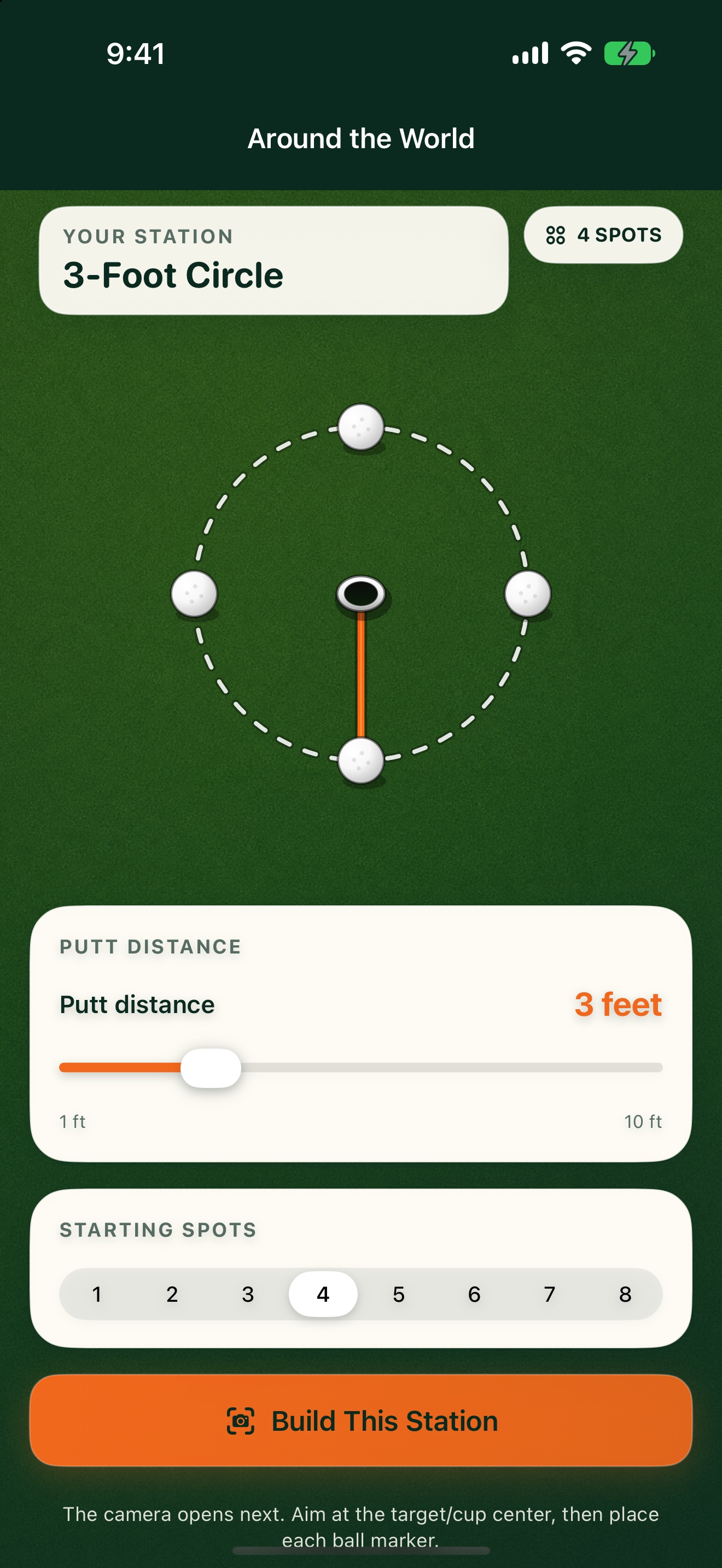
Pick the distance and number of spots. PuttStation shows evenly spaced guides around the target so you can practice the same length from different angles and breaks—without pacing out a lopsided circle.
GET A FEEL FOR THE SETUP
Make this
station yours.
Practice the same-length putt from every side of the hole.
The interactive plan illustrates the layout. You’ll use your iPhone camera to place the real station.
ON THE GREEN
Build it.
Then work through it.
Set up your station
- 01
Choose the putt distance and number of positions.
- 02
Aim at the target or the center of the cup.
- 03
Place a ball marker on each AR guide, then put the phone away.
A SIMPLE SESSION TO TRY
1. Start with six positions at 3 feet.
2. Putt one ball from each position.
3. Make five of six before adding distance or two more positions.
Keep your own score. PuttStation builds the layout; it doesn’t track putts.BRING A PLAN TO THE PRACTICE GREEN.
Make your next
practice count.
Your iPhone. A few tees and markers.
A better way to set up the work.