 PuttStation.Get PuttStation
 Finishing speed · Speed Window
Give every putt a chance.
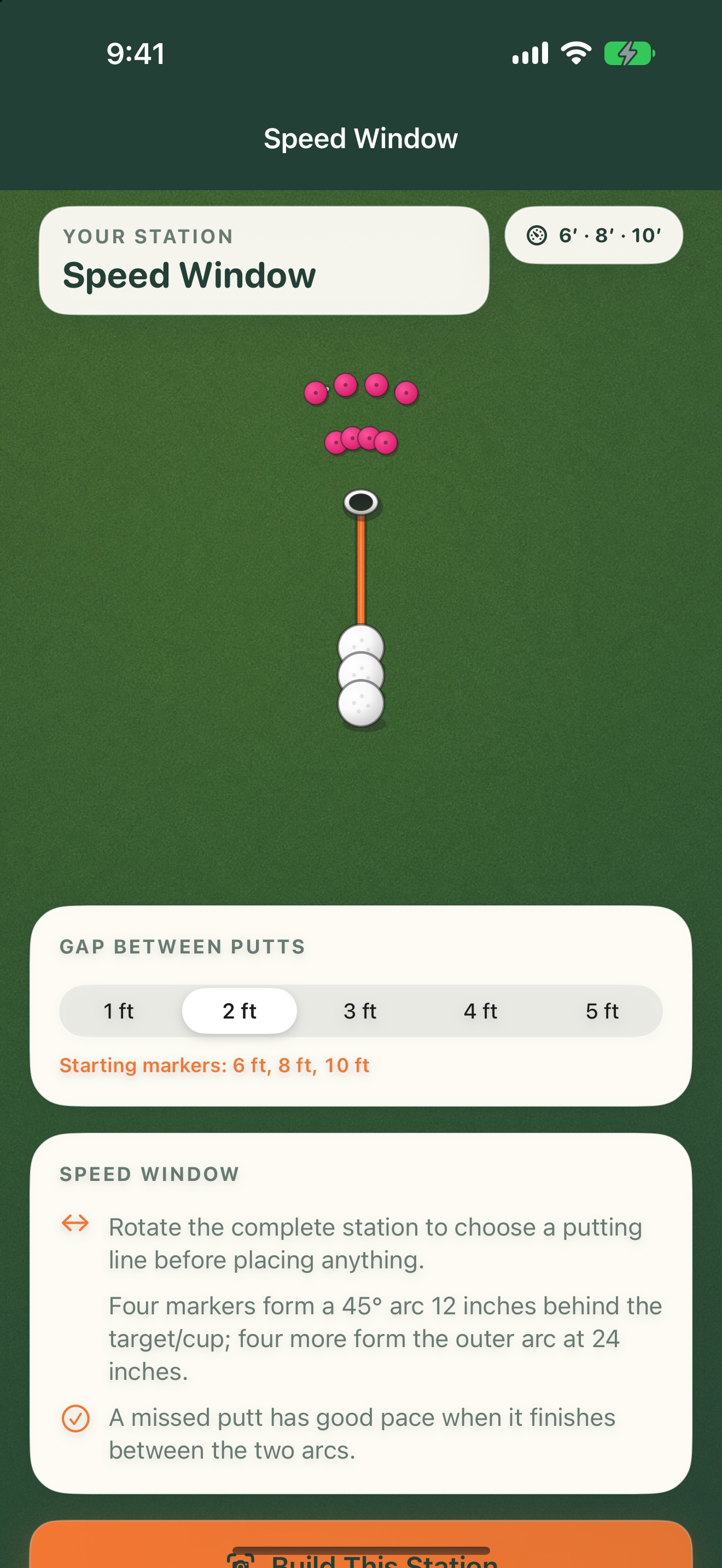
Two arcs behind the target create the window. If the putt misses, the goal is to finish between the 12-inch and 24-inch arcs.
GET A FEEL FOR THE SETUP
Make this
station yours.
Learn what 12 to 24 inches past the target looks and feels like.
The interactive plan illustrates the layout. You’ll use your iPhone camera to place the real station.
Missed putts aim to finish 12–24 inches beyond the cup.
ON THE GREEN
Build it.
Then work through it.
Set up your station
- 01
Choose the gap between the three starting positions.
- 02
Set the target and choose the putt line.
- 03
Place the starts and both arcs, then putt through all three distances.
A SIMPLE SESSION TO TRY
1. Hit three balls from each starting position.
2. Score two points for a make and one for finishing in the window.
3. Score zero for stopping short or finishing beyond 24 inches.
Keep your own score. PuttStation builds the layout; it doesn’t track putts.BRING A PLAN TO THE PRACTICE GREEN.
Make your next
practice count.
Your iPhone. A few tees and markers.
A better way to set up the work.